
Venue Builder.

Build any seating plan yourself.

Line-Up’s Venue Builder creates unlimited seated and standing layouts, linked to pricing and inventory so every space is priced, held and sold on any channel.

Line-Up ticketing dashboard shown on a laptop.

SEATING PLANS

on your terms.Seating plans on your terms.
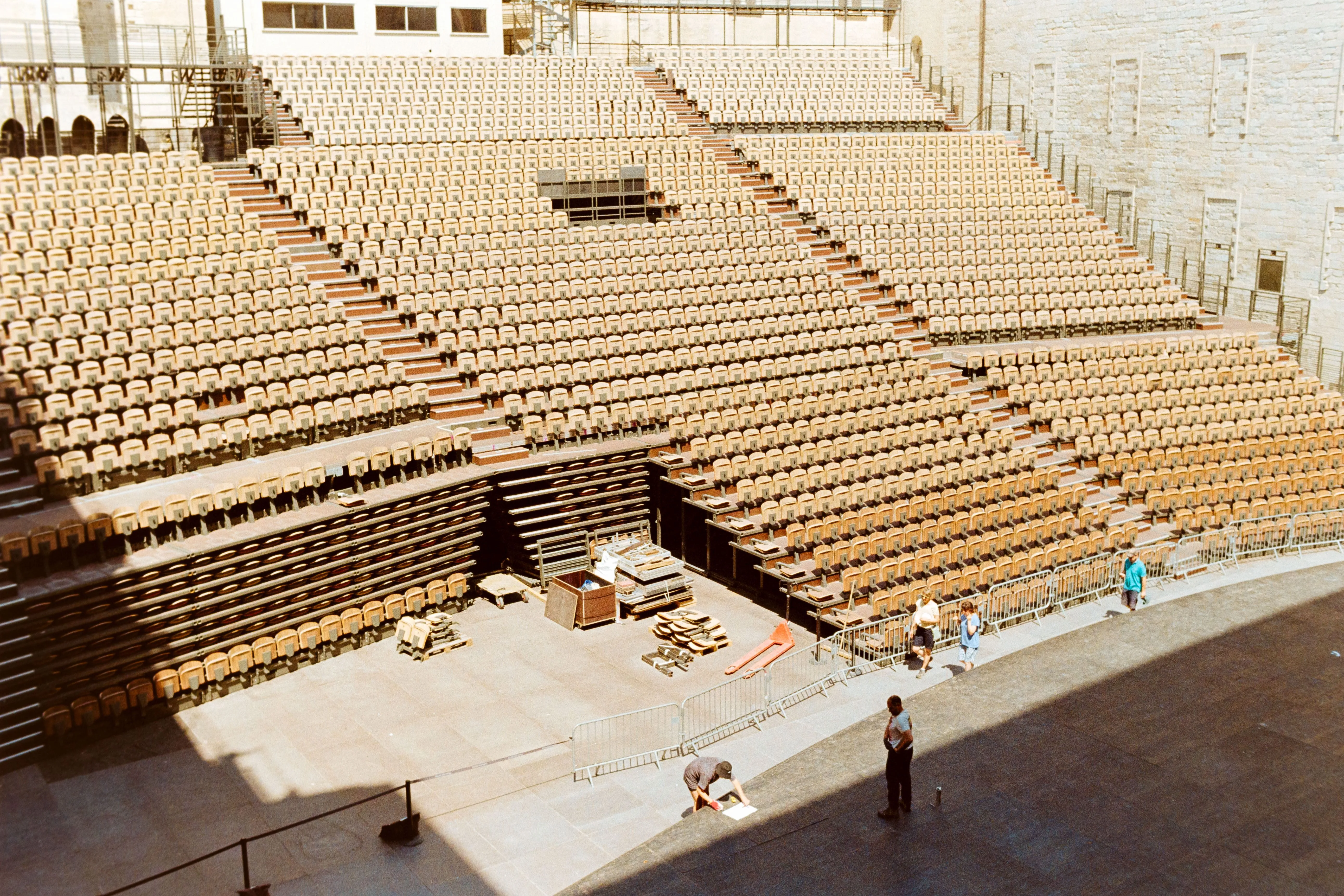
Tiered outdoor seating laid out in rows and sections.

Seated, GA or Hybrid

Create general admission, reserved seating or hybrid plans yourself, then edit or duplicate them any time. There’s no need to ask support, so your layout changes go live instantly.
Stadium seats marked unavailable, as when blocking seats in a new layout.

New layouts in minutes

Copy a section or an entire plan then adapt it for a different stage setup, orchestra pit or sound desk position. A new layout takes minutes, not a full rebuild.
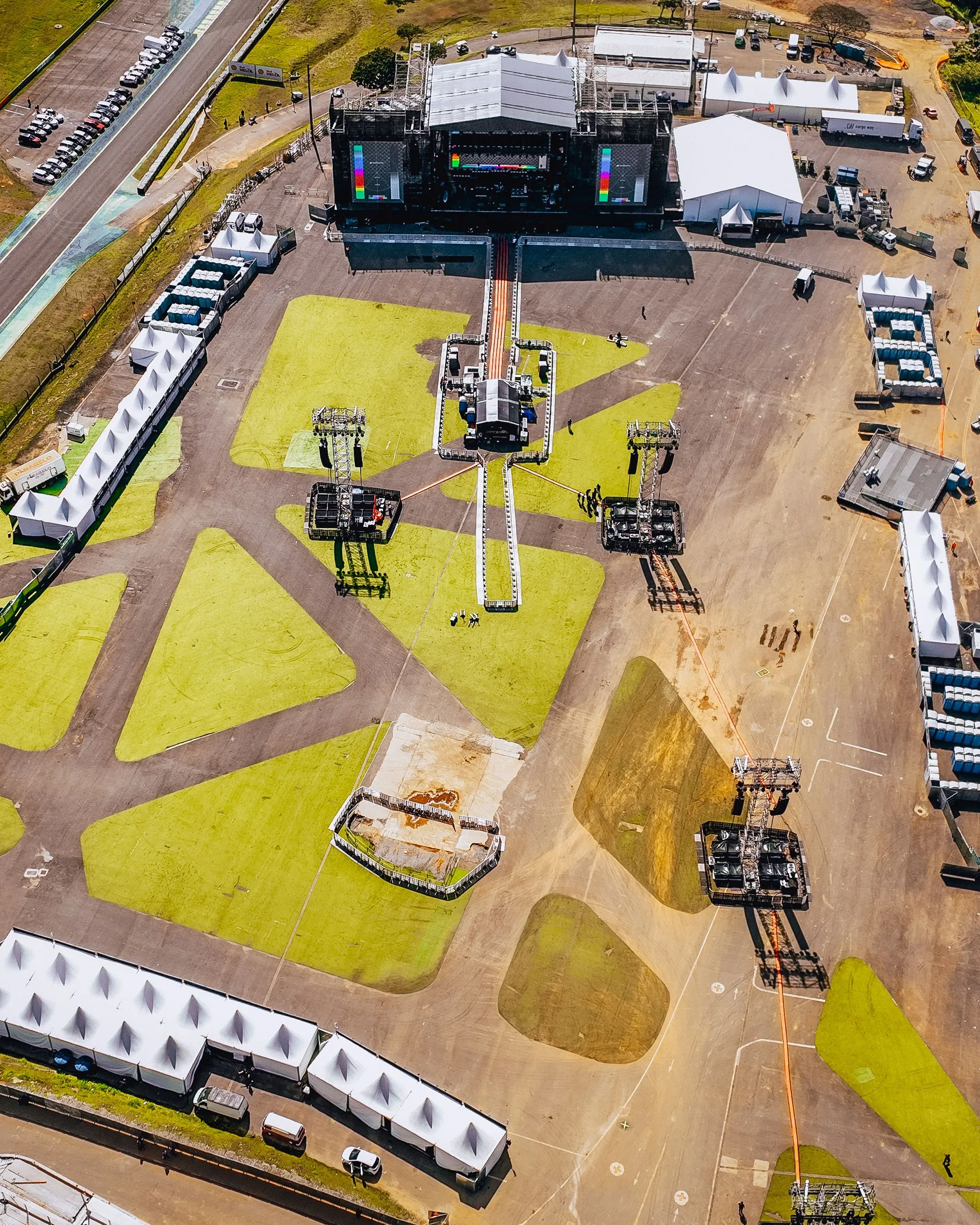
Aerial view of an outdoor concert stage and site, one of many layouts a venue can use.

One venue, many layouts

Seating plans are stored separately from the venue itself, so one venue can hold as many layouts as you need. Switch configuration for each production without changing the venue’s details.

Seat maps

matches the room.A seat map that matches the room.

01

The whole venue, seat by seat

Lay out areas, sections, blocks, rows and seats, with control over seat count, curvature, spacing and doors.

The plan matches your real auditorium so buyers and staff always see an accurate map.
Colour-coded seat map of a full auditorium, laid out by area, section, row and seat.
02

Numbering for any market

Choose chronological, odd, even or alternating seat numbering across an aisle.

Venues in the UK, US and Australia are all represented correctly without workarounds.

Map your venue exactly as it is.

Create and edit your own venues, plans and seat maps in the dashboard without any support tickets or waiting.

Book a demo →

Seat types

Clear seats, fewer queries.

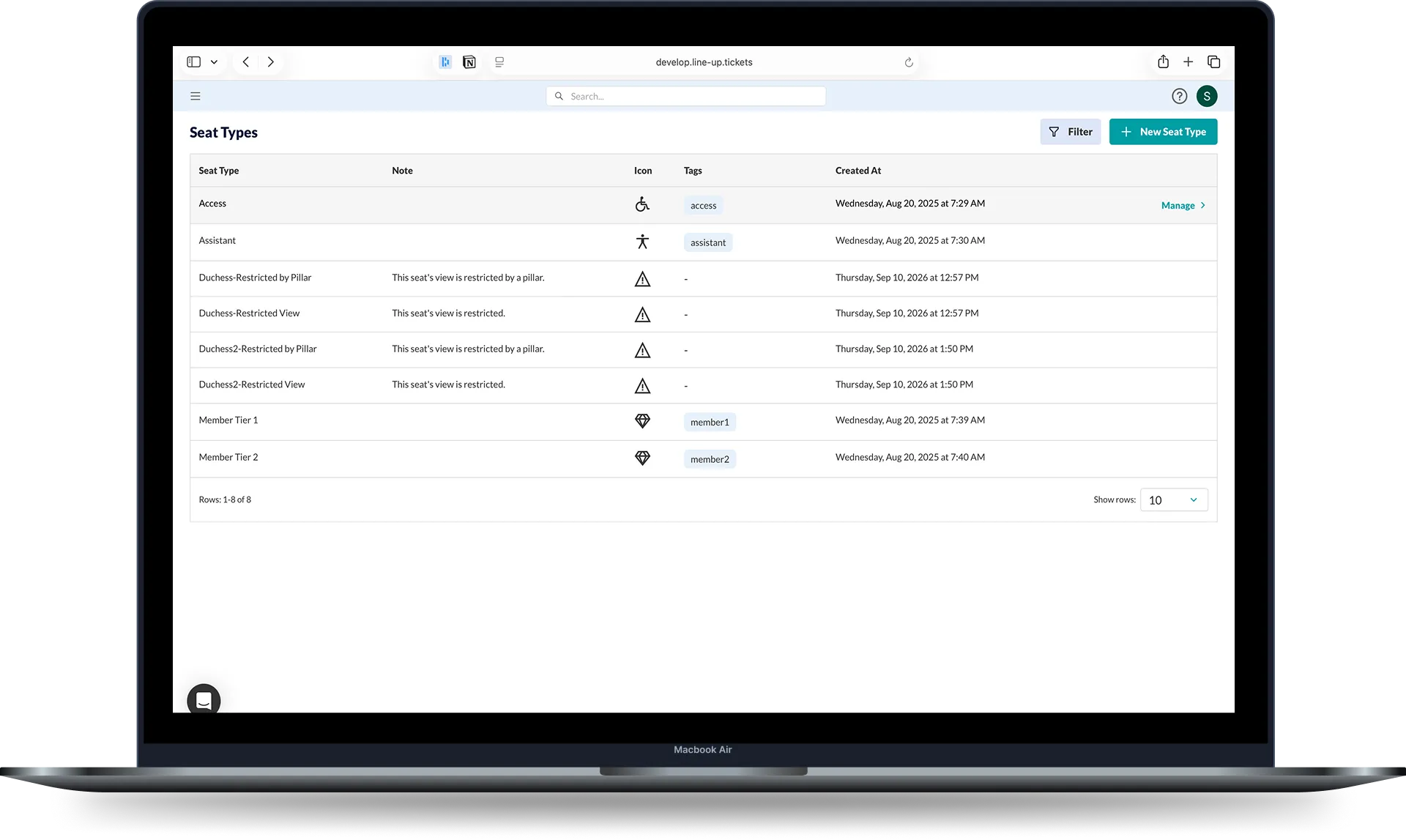
Seat types list, including access, restricted view and member tiers.

Seat types with meaning

Mark seats as wheelchair spaces, restricted view, hospitality and more, each with an icon and a customer note.

Buyers understand what they are choosing, reducing confusion and box-office queries.
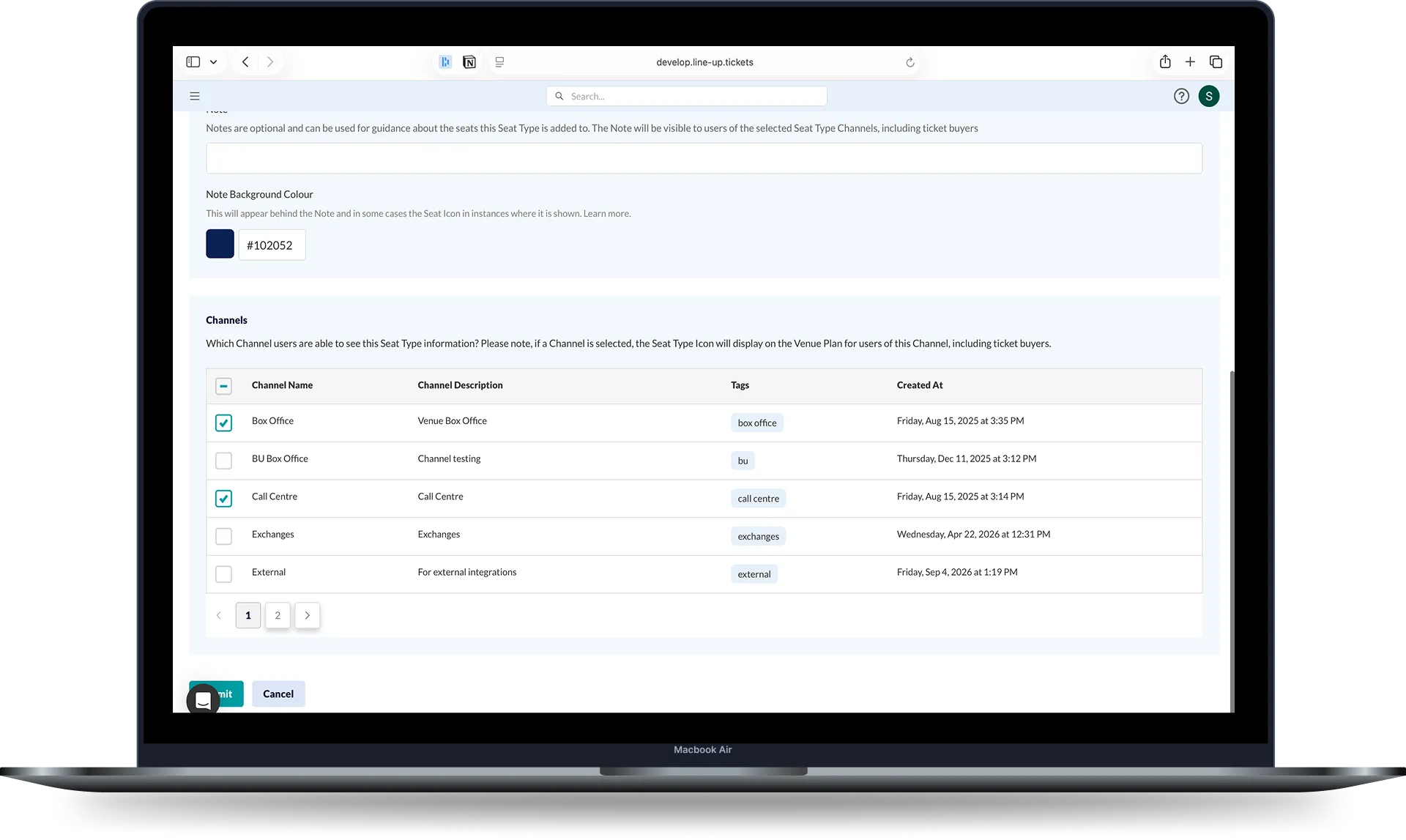
Seat type settings choosing which sales channels can see each seat type.

Choose what your customers see

Control per channel whether a seat-type icon is visible to customers.

Sensitive labels can stay internal while accessibility markers stay visible, channel by channel.

See your venue built in Line-Up.

Book a 30-minute demo and we’ll show you how your own auditorium would look in Line-Up, from seating plan and price bands to the checkout your audience sees.

Book a demo →

Book a demo →